Monetisation & rights
Aipress24 lets you monetise journalistic content. This page gathers the commercial mechanisms visible to users: the rights offered on an article, rights transfers, and tracking your sales and purchases.
Rights offered on an article
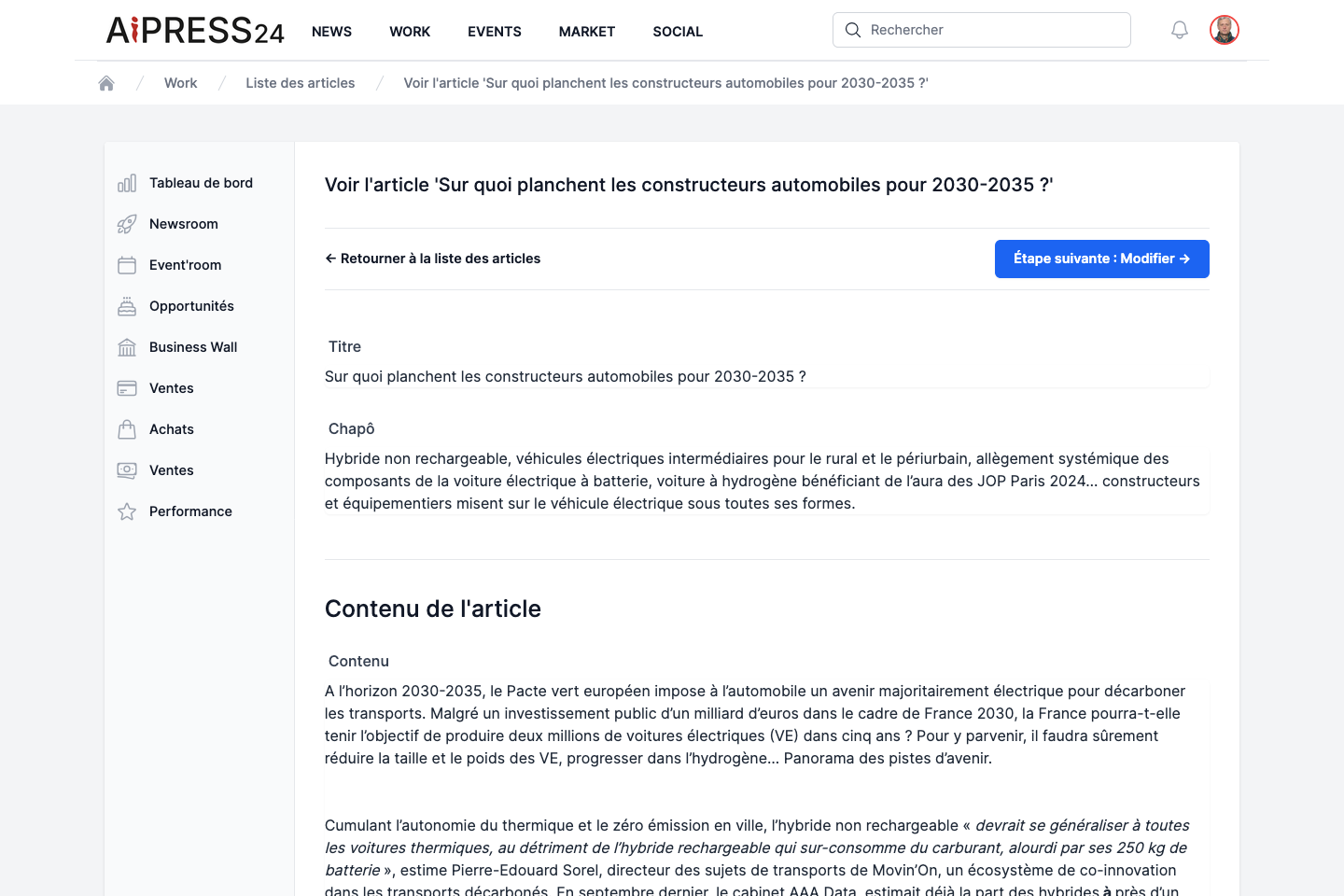
On a paid article’s page, an “Acquisition” section offers up to four products. Each purchase opens a confirmation window showing the net / VAT / gross amounts, then a secure online card payment.
Consultation right
Unlocks full reading of the article for 365 days. Message shown: “This article was produced by a professional journalist. Paying to read it contributes to the health of the press.”
Gifted consultation right
Lets you gift an article’s consultation to one or more contacts. You enter their email addresses (up to 50 recipients); people who already own the article are not charged. Each recipient receives a notification and an email, and gains access to the article.
Proof of publication
Intended for the people quoted (and their communicators). The proof attests to the publication: the article is durably displayed in the Press Book section of your profile and your organisation. An official PDF is generated after payment and downloaded from your purchases.
Journalists trigger the invitation to acquire a proof from their article (the Justificatif action), aimed at the participants in an investigation — see Enquiry notices.
Reproduction rights (rights transfer)
Lets a press publisher acquire a reproduction licence to republish the article. This product is only offered to eligible buyers: a publisher with a media-type Business Wall, authorised by the author’s transfer policy.
Rights transfers: the seller side
A media outlet defines who it agrees to transfer rights to via the “Modalités de cession de droits” (Rights-transfer terms) page (in the Business Wall dashboard, reserved for media). Four options:
- To all subscribed publishers (default).
- Only to publishers I choose (whitelist).
- To all publishers except those I exclude (blacklist).
- To no one.
This policy is frozen onto each piece of content at the moment of its publication: it therefore does not apply retroactively to already-published articles.
Tracking your sales and purchases
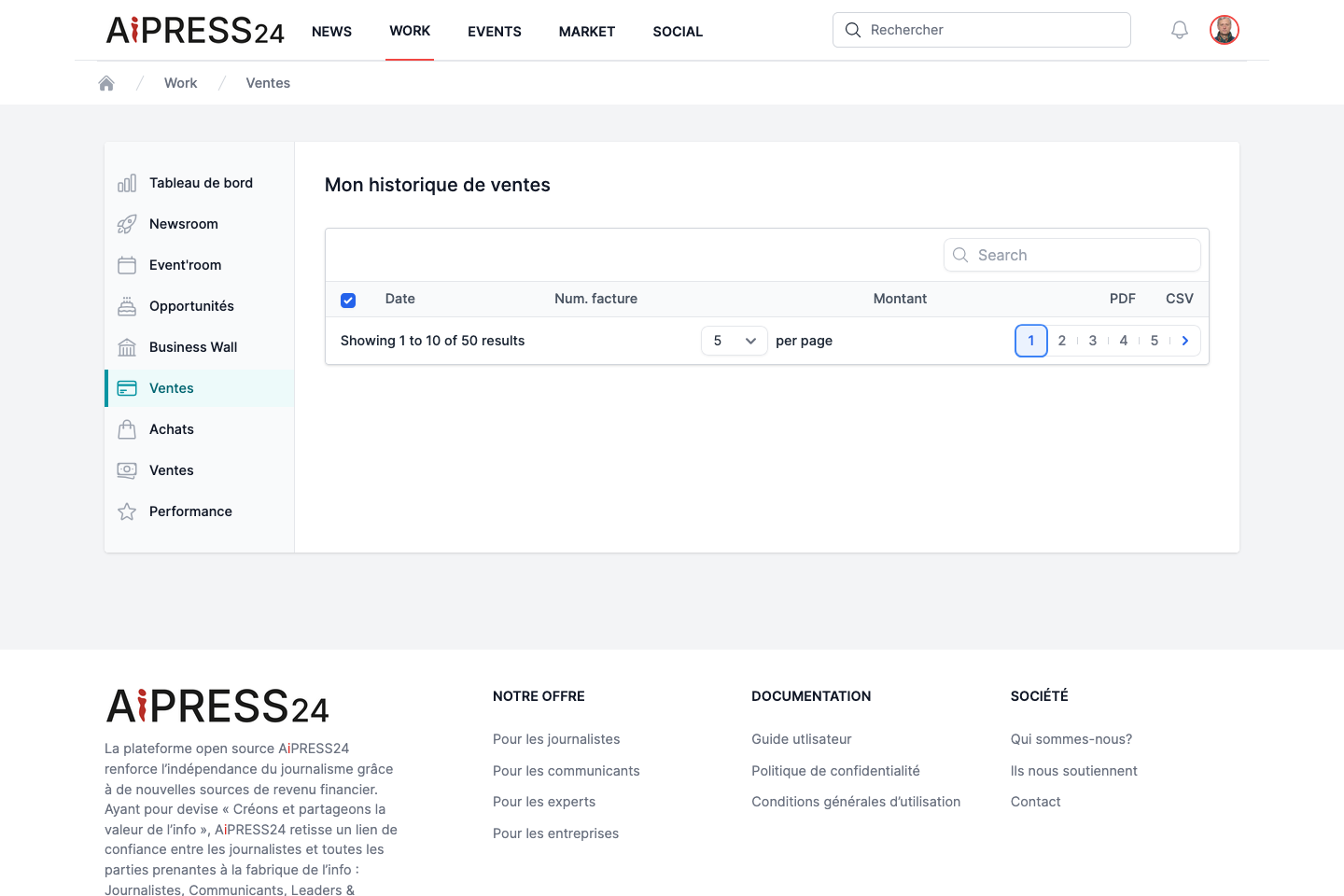
From the Work portal:
- Ventes (Sales) — the record of your editorial sales (consultations, proofs, transfers), in net amounts, with totals. An editor-in-chief also sees the sales made on articles published by their outlet.
- Achats (Purchases) — the history of your purchases (consultation, proof, rights transfer), with personal and organisation totals. Gifted articles appear under Opportunities › Consultations offertes.
- Facturation (Invoicing) — your invoices, downloadable as PDF and CSV.
You can also find your purchase history directly in the News portal, via “Mes achats” (My purchases).
Payments
Amounts are shown net of tax; the applicable VAT is calculated at payment time based on your billing address. All payments go through a secure payment provider.