The Work portal
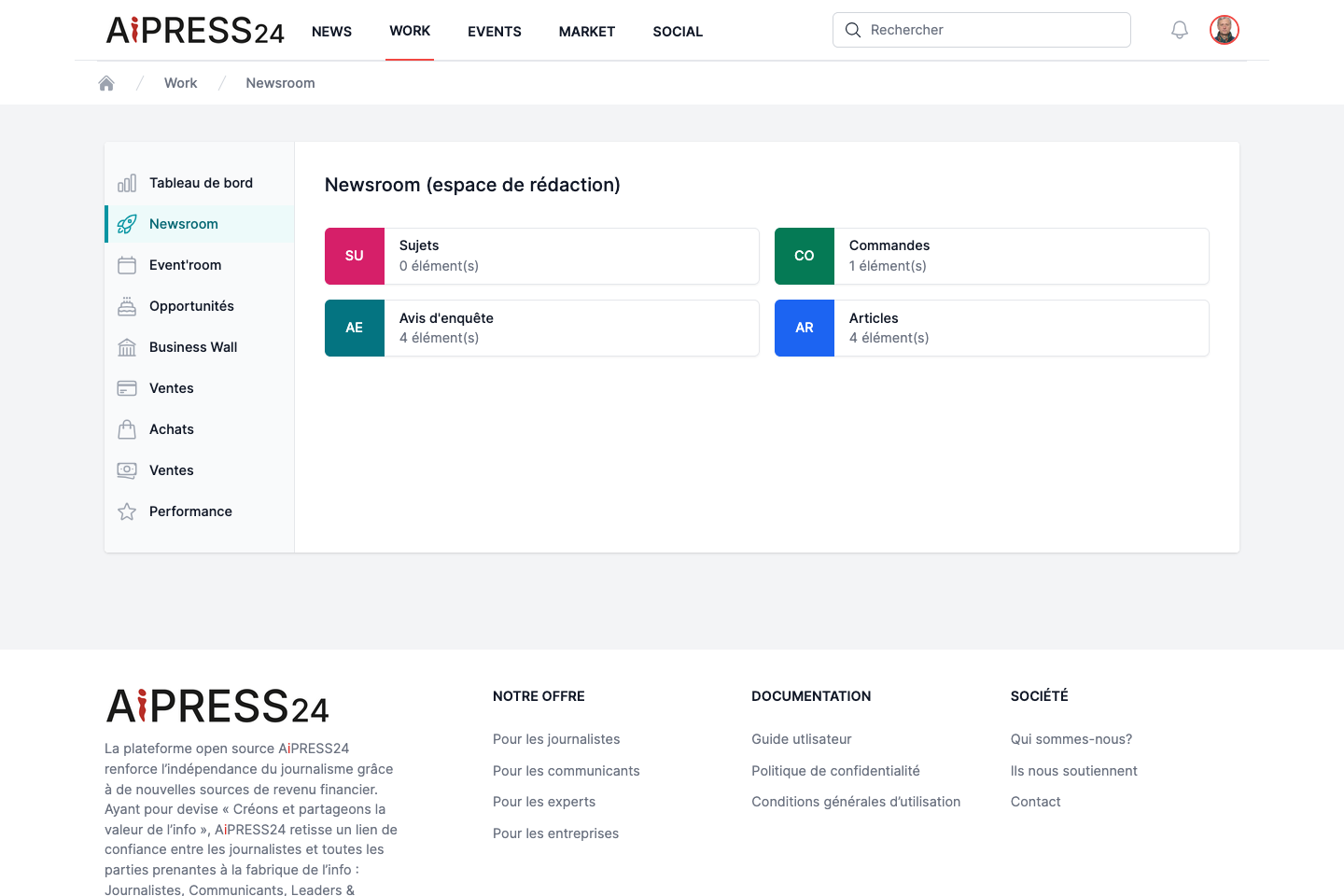
Work (Work In Progress) is your professional workspace: this is where you produce content, manage requests and track your activity. The left-hand menu gives access to several spaces, some of which depend on your profile.
| Space | For whom | Role |
|---|---|---|
| Tableau de bord (Dashboard) | Journalists, Academics | Overview of your activity. |
| Newsroom | Journalists | Topics, orders, enquiry notices, articles. |
| Com’room | Communicators, Experts, Academics, Transformers | Press releases. |
| Event’room | Publishing communities | Events. |
| Opportunités (Opportunities) | Everyone | Requests received. |
| Business Wall | Organisation managers | Managing the official page. |
| Ventes / Achats (Sales / Purchases) | Everyone | Commercial tracking and invoicing. |
| Performance | Everyone | Reputation index. |
An active Business Wall is often required
Publishing and selling journalistic content, and answering enquiry notices on the organisation side, require membership of at least one active Business Wall. See Business Wall.
Dashboard
The dashboard (“Mon tableau de bord”) shows statistic cards about your activity: articles published, articles in progress, press releases published, press releases in progress… Each card links to the corresponding list.
Newsroom
The Newsroom (journalists’ editorial space) gathers four content types, shown as tiles with a counter: Sujets (Topics), Commandes (Orders), Avis d’enquête (Enquiry notices), Articles.
Each type has a list (table) and a create/edit form. Content shares common metadata: Genre, Rubrique (Heading), Thématique (Theme), Secteur (Sector), a media (or target media) and a location (country, postcode & city).
Articles
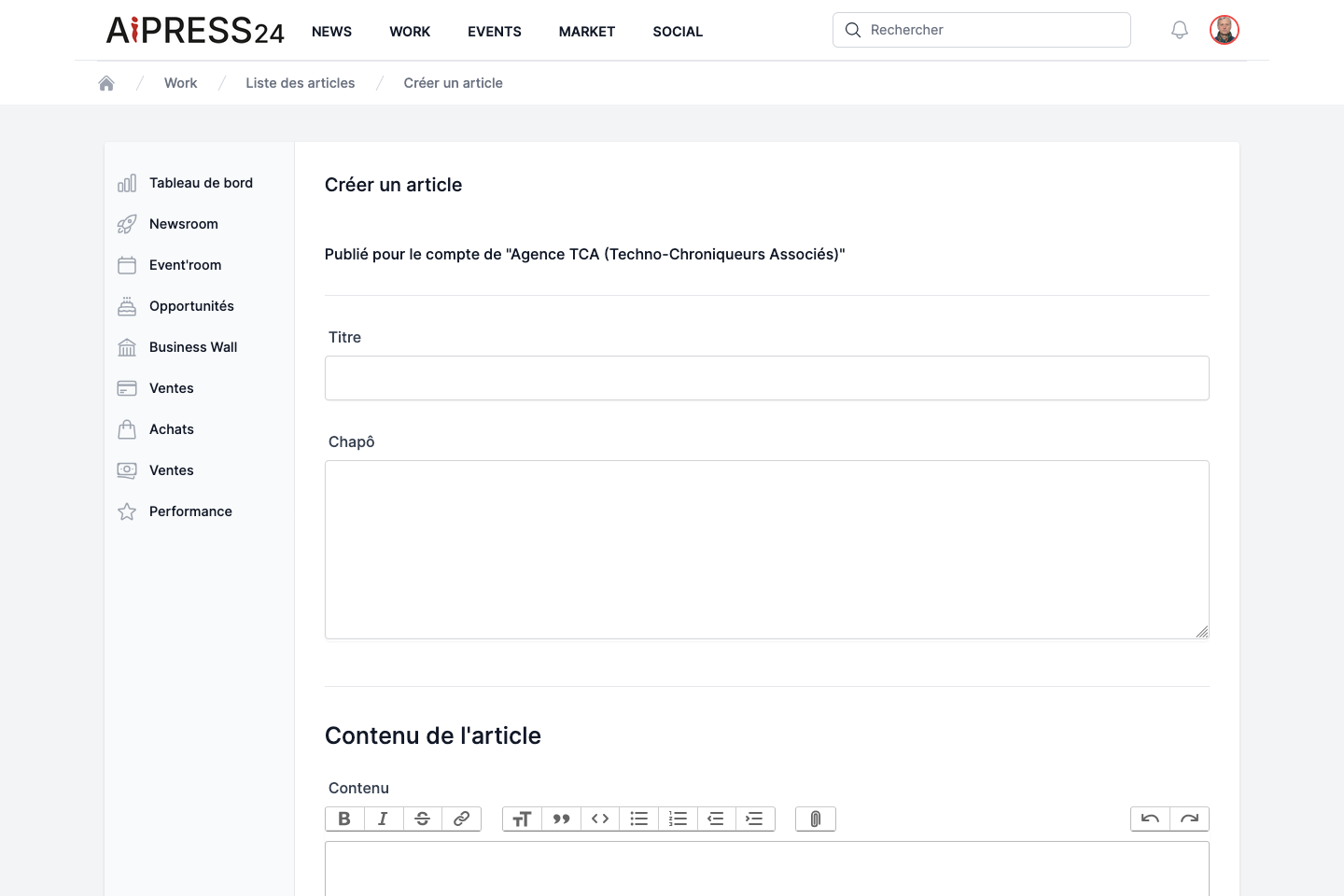
This is the heart of journalistic production.
The form includes: title and standfirst, content (rich editor), the metadata, a copyright notice (“All rights reserved” or “Creative Commons”), and key dates (planned publication date, Aipress24 publication date).
From the list, each article offers the actions: Voir (View), Modifier (Edit), Images (carousel management), Publier / Dépublier (Publish / Unpublish), Justificatif (once published — see Enquiry notices) and Supprimer (Delete).
An article’s lifecycle runs from draft to published, with the option to unpublish. A published article can be put up for sale (consultation, proof of publication, rights transfer): see Monetisation & rights.
Topics and orders
A Topic (Sujet) is a story pitch a journalist sends to a media outlet. That outlet’s editor-in-chief can accept it — the topic then becomes an Order (Commande) — or reject it. This flow is detailed below.
A topic’s form includes a target media (the outlet that receives the pitch) and a brief. The Order records the accepted assignment and tracks production (deadline, publication and payment dates).
Enquiry notices
The enquiry notice (avis d’enquête) lets a journalist reach out to experts in a targeted way. It is the richest Newsroom feature and has its own page — see Enquiry notices.
The Topic → Order flow
This flow connects a journalist author with the editor-in-chief of the target outlet.
An editor-in-chief is a user whose profile is a newsroom leadership role, or who holds a management role (Owner / internal Manager) on the outlet’s Business Wall.
- Pitch. The journalist creates a topic, chooses the target media and clicks Publish. The topic is sent to the outlet (confirmation: “Le sujet a été publié et envoyé au média sélectionné.”).
- Notification. The editor-in-chief receives a notification (bell) and an email about the new pitch.
- Visibility. The received topic appears in the outlet’s Newsroom, but only an editor-in-chief can see and handle it — other journalists at the outlet have no access.
- Decision.
- Accept: an Order is created (the journalist remains the author, the editor-in-chief is the commissioner), the topic is archived, and the author is notified. The order appears in both Newsrooms.
- Reject: the topic is archived without creating an order, and the author is notified of the rejection.
Com’room
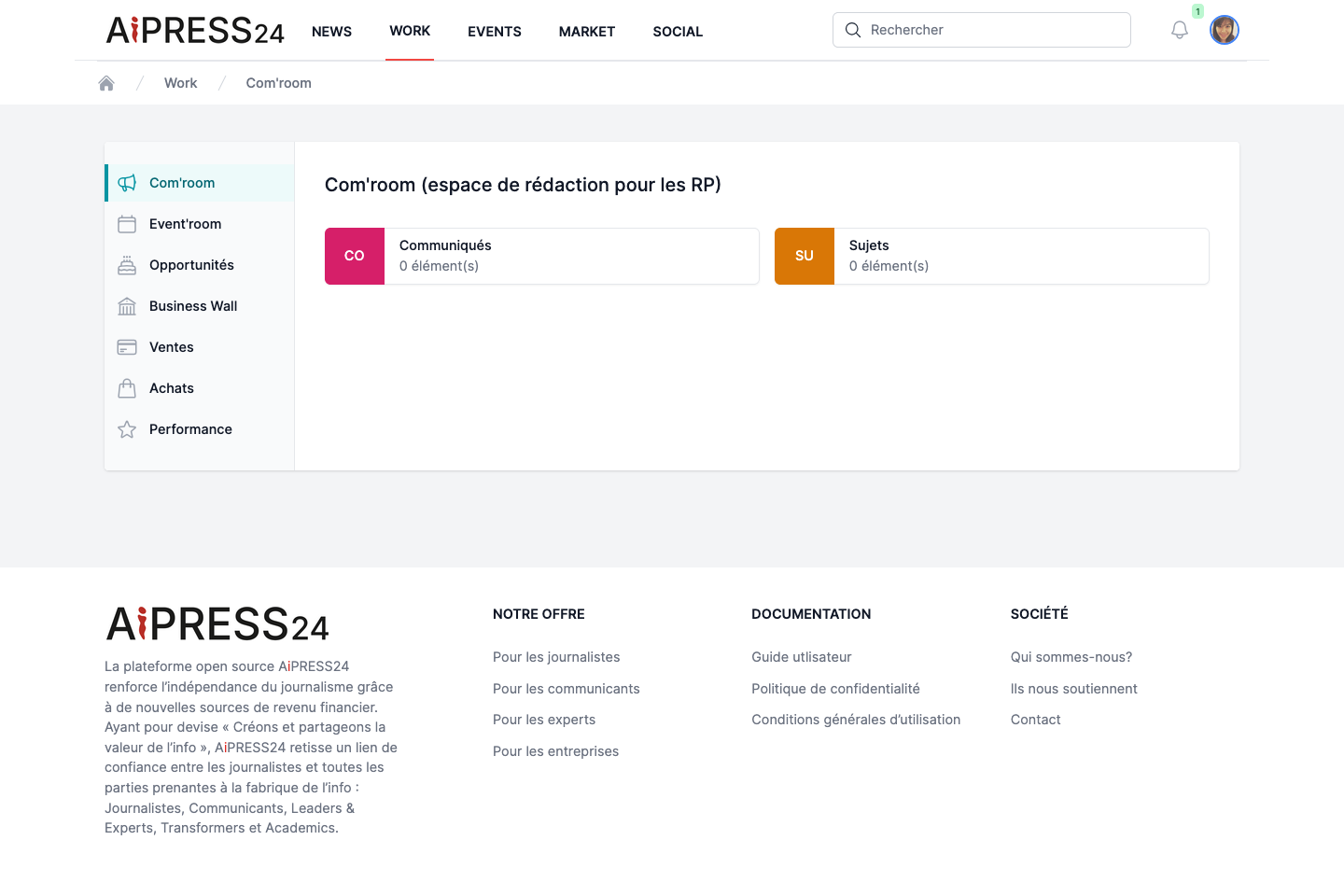
The Com’room (editorial space for press relations) is aimed at communicators, experts, academics and transformers. It lets you write and publish press releases (and, for PR agencies, pitch topics).
A press release’s form includes: title, standfirst, main content, the metadata, and key dates including an embargo date (planned release) and an effective publication date.
Embargo
A press release cannot be published until its embargo date is reached. When a PR agency publishes on behalf of a client, the client Business Wall’s owner is notified.
Event’room
The Event’room lets you create and manage your events. How it works (form, images, publishing rules) is described in Events.
Opportunities
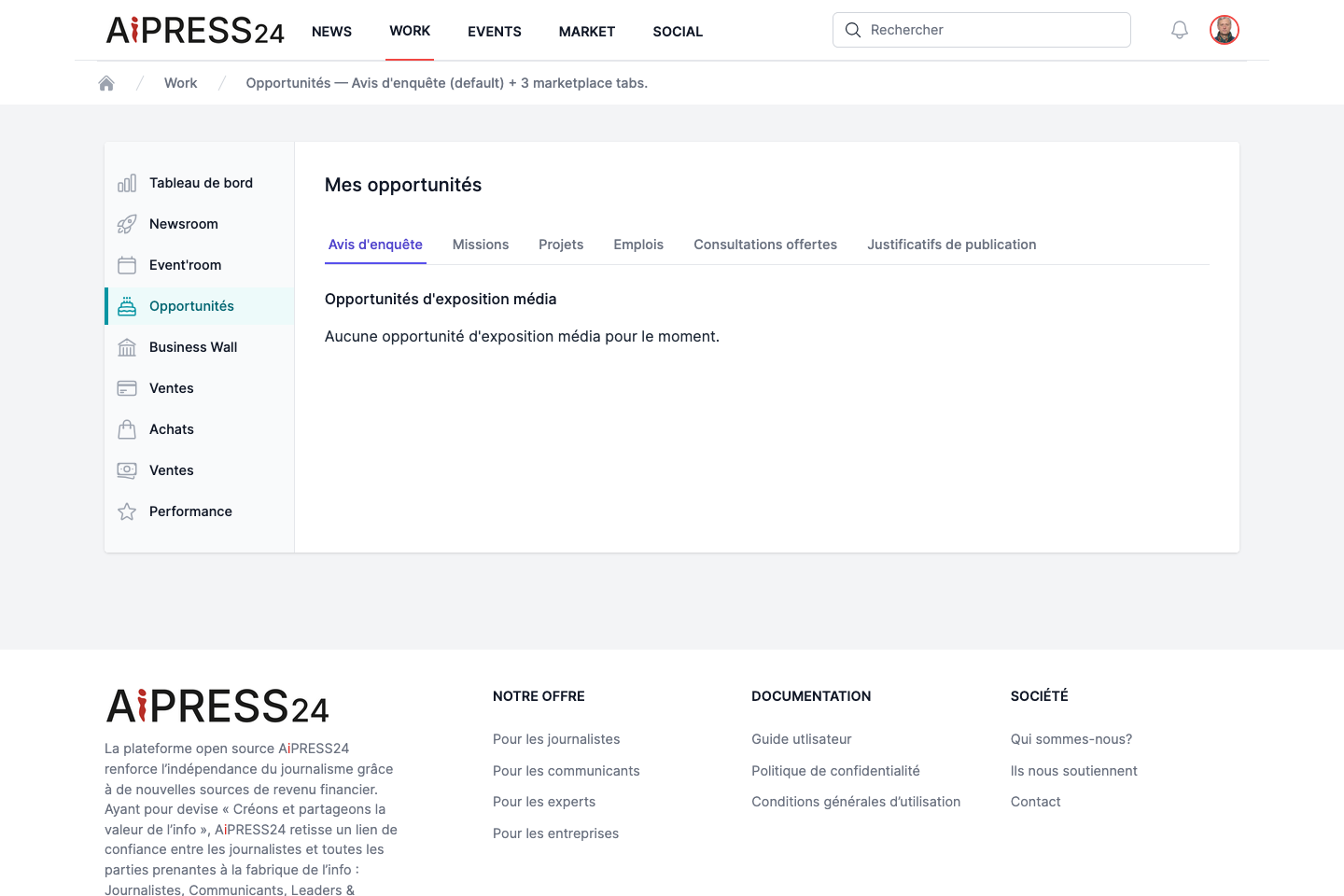
The Opportunités space (“Mes opportunités”) centralises all the requests that concern you, split into tabs:
- Avis d’enquête — the expert requests received (see Enquiry notices).
- Missions, Projets, Emplois — your submitted applications and the applications received on your offers (see Marketplace).
- Consultations offertes — the articles a member has gifted you.
- Justificatifs de publication — your acquired proofs and the invitations received.
You also find publication notifications here: the articles in which you (or your client) are quoted.
Sales, Purchases and Performance
- Ventes (Sales, author side) — the record of your editorial sales (consultations, proofs, rights transfers), with totals. An editor-in-chief also sees their outlet’s sales.
- Achats (Purchases) — the history of your editorial purchases, with personal and organisation totals.
- Facturation (Invoicing) — your invoices, downloadable as PDF and CSV.
- Performance — tracking of your reputation-performance index over time.
Product and payment details are covered in Monetisation & rights.