The News portal
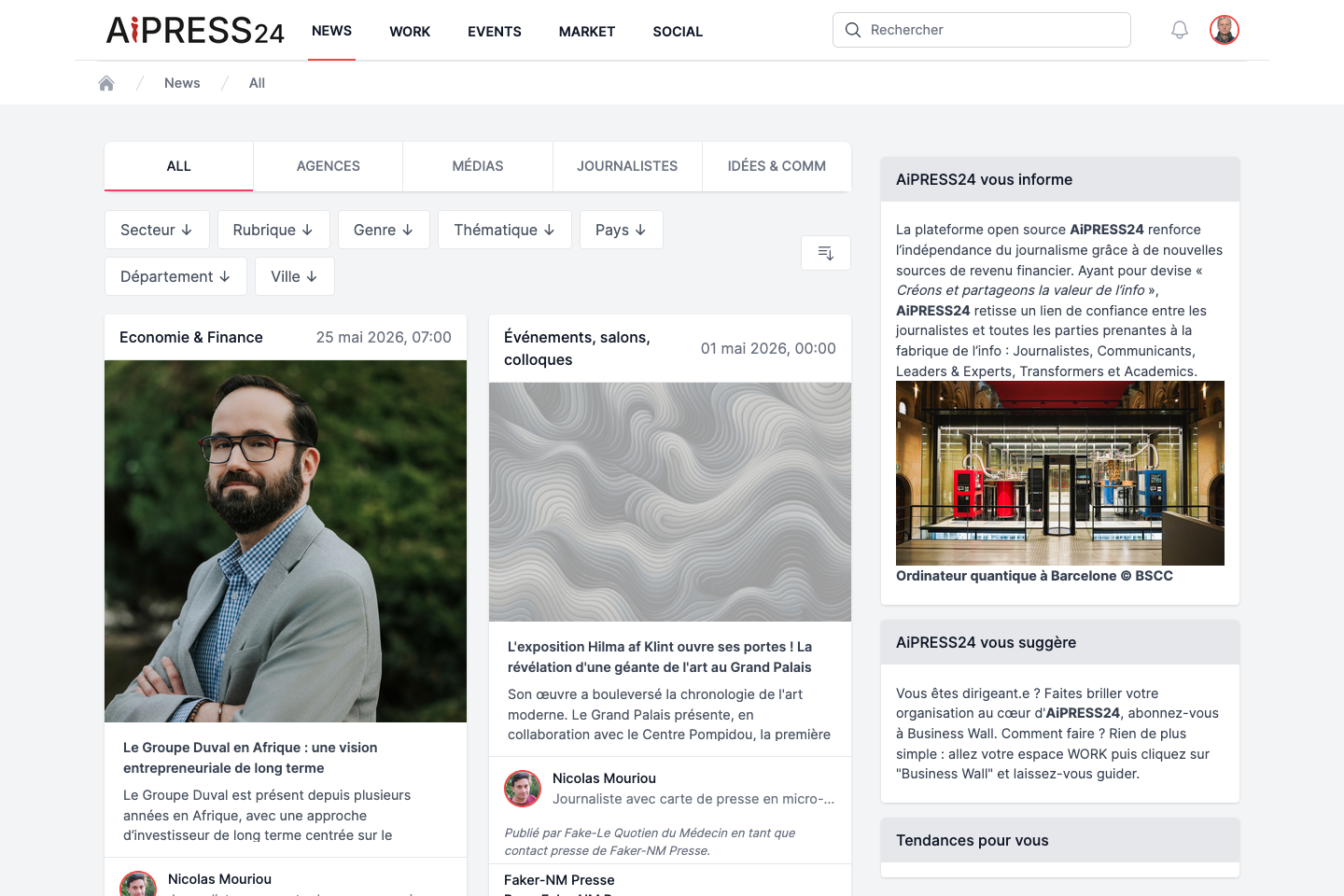
News is the reading portal for current affairs: articles, investigations, reports and press releases from professional sources (press agencies, recognised media, organisations). Accessing News requires you to be logged in.
Tabs
The feed is organised into five tabs. The last tab you viewed is remembered and reopened on your next visit.
| Tab | Content |
|---|---|
| All | The full feed: every published article. |
| Agences (Agencies) | Articles from the press agencies you follow. |
| Médias (Media) | Articles from the media you follow. |
| Journalistes (Journalists) | Articles from the journalists you follow. |
| Idées & Comm | Press releases. |
The Agences, Médias and Journalistes tabs rely on your network: they only show publications from the sources you follow (from the Social portal). Until you follow someone, these tabs prompt you to follow sources.
Each tab shows the most recent publications (30 per page), newest first.
Filtering and sorting
Filters
Seven filters refine the feed (they apply to both articles and press releases):
- Secteur (Sector) — sector of activity.
- Rubrique (Heading).
- Genre.
- Thématique (Theme).
- Pays, Département, Ville (Country, Department, City) — geographic filters.
Each filter is a drop-down whose values come from the content actually published. An active filter appears as a “filter: value” chip that you remove with a click on its cross. You can combine several values and several filters; filter state is remembered per tab.
Clicking a tag on an article automatically applies a tag filter and switches to the All tab.
Sorting
The “Trier” (Sort) menu offers: Date (default), Popularity (views), Popularity (likes), Popularity (shares), Sales.
The article card
In the feed, each article is shown as a card: heading, date, cover image, title, summary, author (photo, name, role and organisation), the target media where relevant, and a social bar (Like, comments, views).
The “views” counter (eye icon) reflects the number of paid consultations of the article — an indicator of the genuine interest in the content.
The article page
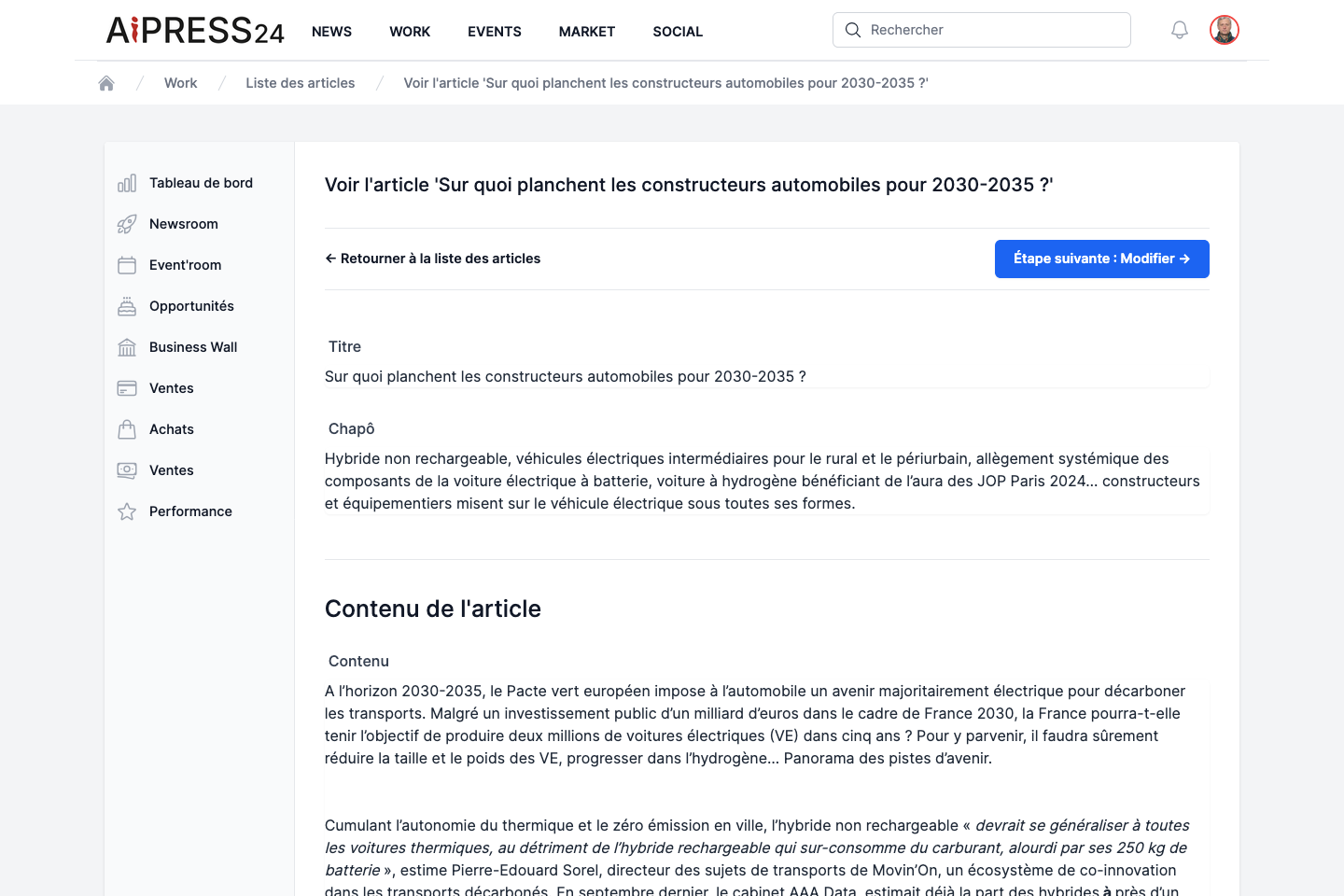
The detail page shows the title, author, publication date (and last edit), an image carousel and the content.
The side column groups together:
- an “Acquisition” section (see Monetisation & rights) when purchase options are available;
- a “Métadonnées” (Metadata) section: activity (publication and purchase dates…), author, publishing organisation, target media, then Type, Genre, Heading, Subject, Sector and location;
- clickable Tags.
Full reading and preview
Some articles are paid. If you don’t hold a reading right, the article is shown as a truncated preview with an invitation to acquire a consultation right. The full list of rights (consultation, gifted consultation, proof of publication, reproduction rights) is presented in Monetisation & rights.
Reacting and commenting
- Like: like/unlike an article; the counter updates instantly.
- Comments: the zone at the bottom lists comments (newest first). Type your message and click “Commenter” (Comment); a confirmation is shown.
Idées & Comm (press releases)
The Idées & Comm tab gathers the press releases published by organisations and their press officers. Their layout is the same as articles (title, images, content, metadata, comments), with two differences: press releases are always freely accessible (no Acquisition section) and benefit from the same filters as the rest of the feed.