Search
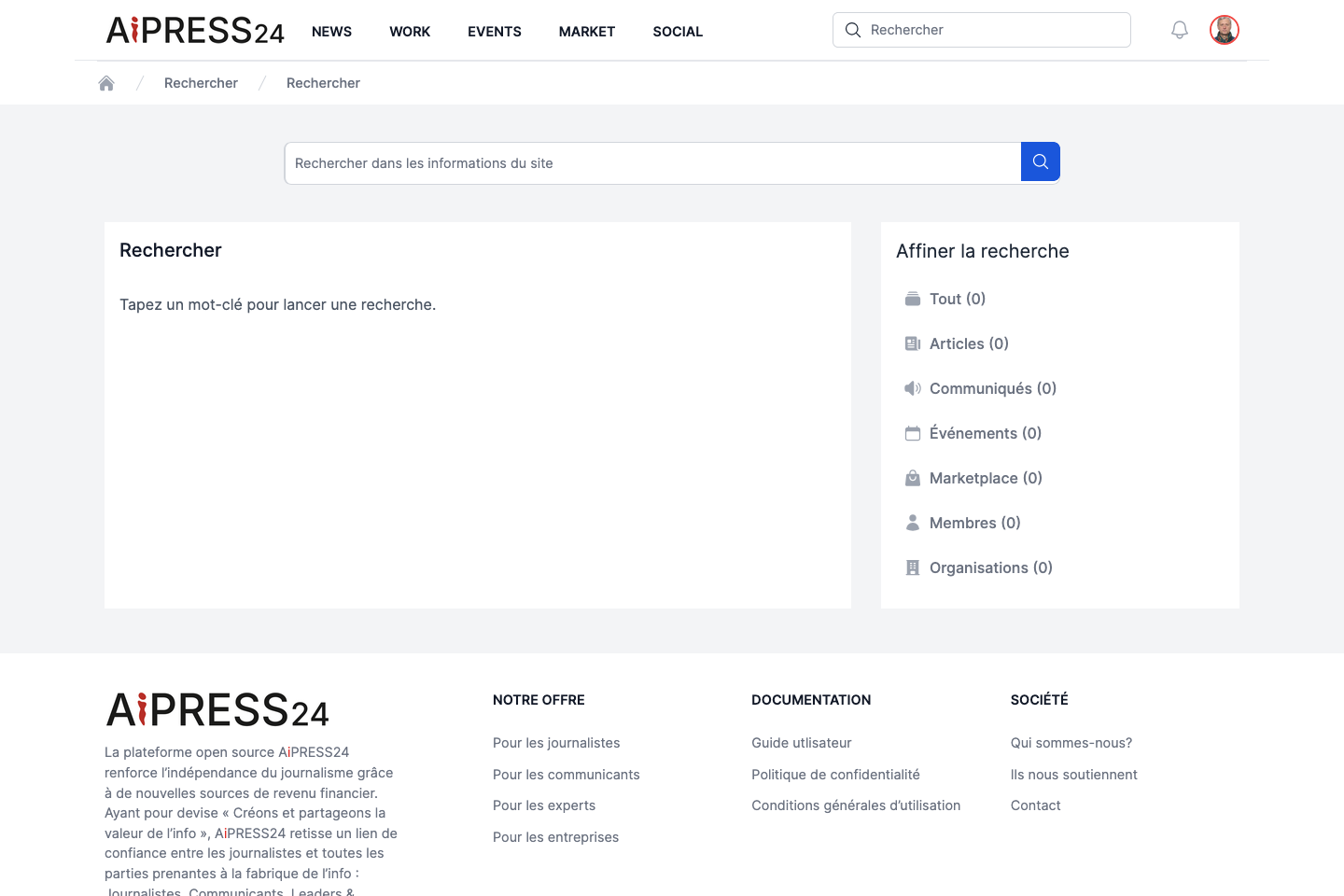
The Search (Rechercher) portal offers cross-platform search from a single entry point.
Running a search
Type a keyword into the “Rechercher dans les informations du site” (Search the site) field and submit. Results are grouped by type, each group showing its number of matches. Each result displays a title (a link to the item), an excerpt and its publication date.
What you can search
Search covers several categories (“buckets”), selectable in the “Affiner la recherche” (Refine your search) column:
| Category | Content |
|---|---|
| Tout (All) | All results. |
| Articles | Published articles. |
| Communiqués (Press releases) | Press releases. |
| Événements (Events) | Published events. |
| Marketplace | Assignments, projects, jobs and editorial products. |
| Membres (Members) | Members (validated, active profiles). |
| Organisations | Active organisations. |
The side column shows the number of results per category; categories with no results are greyed out. The All filter is active by default; click a category to restrict the display to that type only.
Only public, validated content appears in results: published, non-expired articles/press releases/events, published offers, active and validated members, and active organisations.