The Social portal
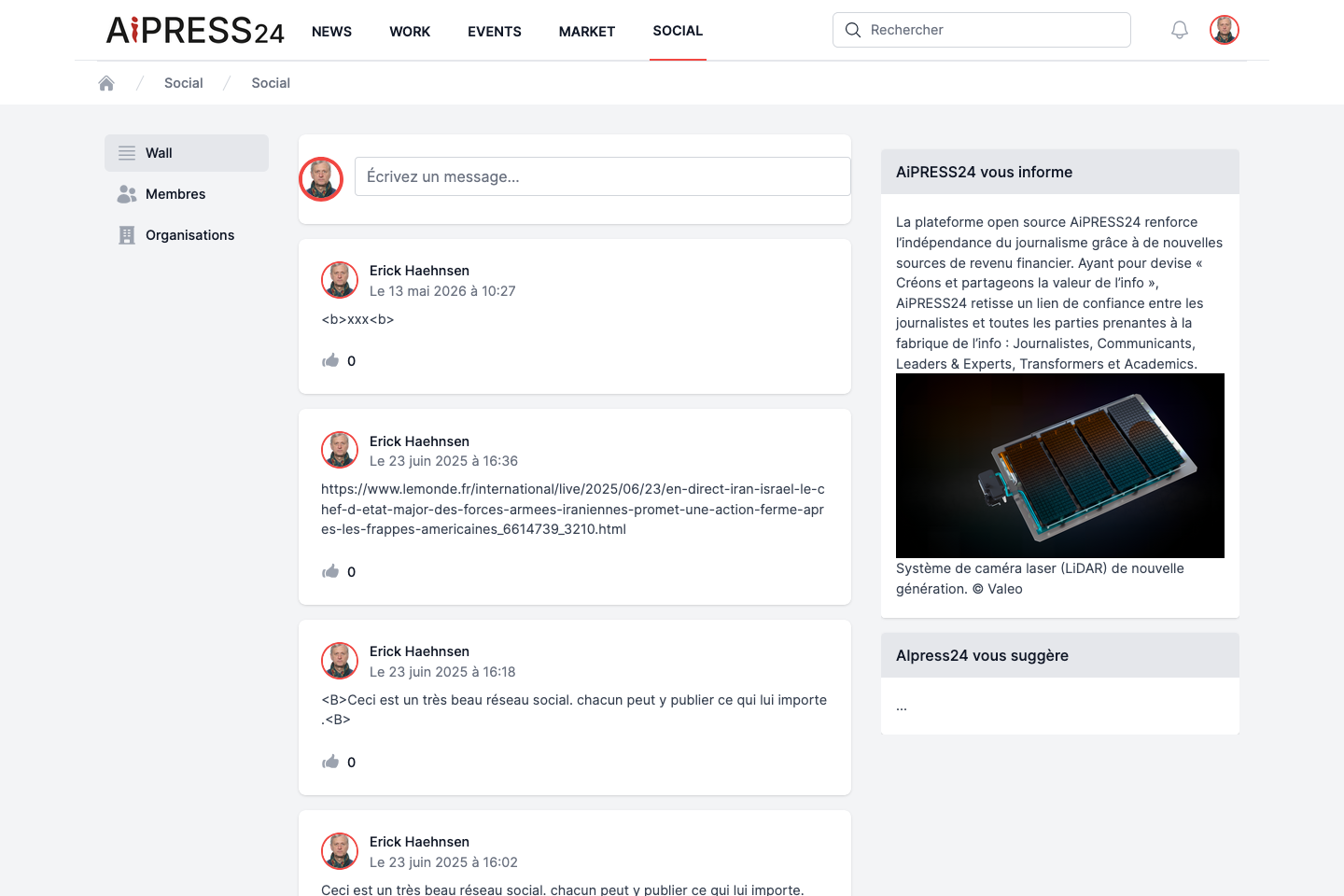
Social is Aipress24’s professional network. It lets you post, follow members and organisations, build up your contacts, and make your profile visible. It is organised around three spaces: the Wall, the Members directory and the Organisations directory.
The Wall (activity feed)
The Wall is your social home page.
- Post a message: click in the “Écrivez un message…” (Write a message) field, type your text, then click “Poster” (Post). A confirmation is shown. (Messages are text only, with no length limit.)
- Your feed shows your own messages and those of the members you follow, newest first.
- Each message can be liked.
The members directory
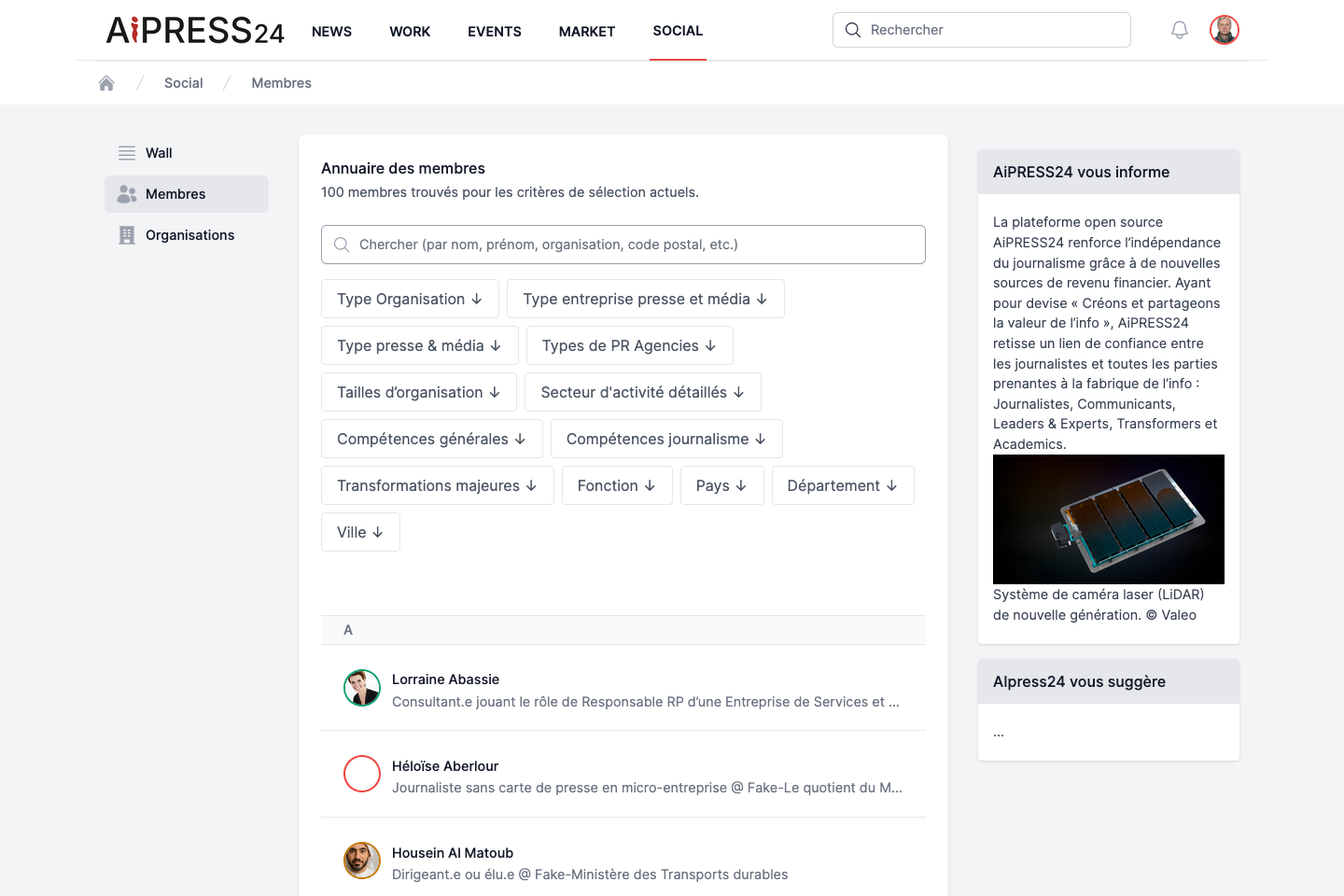
The directory lists every member of the platform, in alphabetical order. A counter shows the number of members matching your criteria.
- Full-text search: “Chercher (par nom, prénom, organisation, code postal, etc.)” — search by name, first name, organisation, postcode.
- Filters (combinable, shown as removable chips):
- Type Organisation, Type entreprise presse et média, Type presse & média, Types de PR Agencies, Tailles d’organisation (organisation types and sizes) ;
- Secteur d’activité détaillés (detailed sectors), Compétences générales / Compétences journalisme (general / journalism skills), Transformations majeures ;
- Fonction (role) ;
- Pays, Département, Ville (Country, Department, City).
These filters draw on the KYC qualification of profiles: the more complete your profile, the easier you are to find.
A member’s card
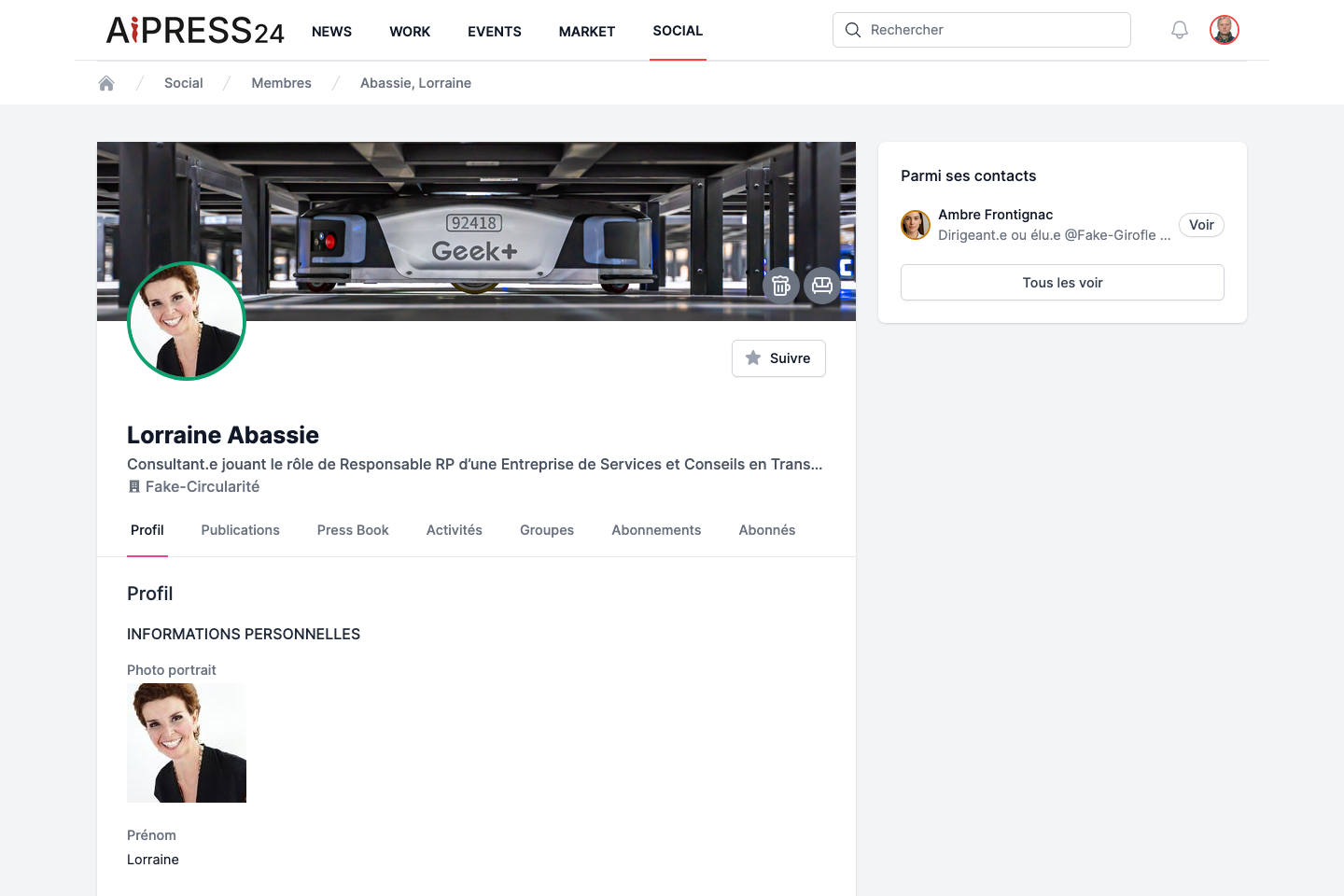
A member’s card (opened by clicking their name) shows a cover image, their photo, their name (with a karma medal reflecting their reputation), their role and organisation, and a “Suivre” / “Ne plus suivre” (Follow / Unfollow) button.
It is organised into tabs:
- Profil — the qualified information (presentation, skills, languages, education, sectors, contact details…), displayed according to the visibility level chosen by the member.
- Publications — their published content.
- Press Book — the articles for which the member holds a proof of publication.
- Activités (Activities).
- Groupes (Groups) — their public groups.
- Abonnements (Following).
- Abonnés (Followers).
Contact-detail privacy
Three fields (login email, mobile phone, press-relations email) can be masked. Their visibility depends on the contact options set by the profile owner: see Your profile.
Organisations
The Organisations directory lists the organisations present on the platform. There are two kinds:
- An “Auto” (unofficial) organisation, created automatically from members’ declarations.
- An official organisation, which has a Business Wall (subscription): it controls its page, its press contacts and its professional features.
An organisation’s card shows its cover, logo, name, a Follow button, and tabs depending on its type: À propos (About), Contacts, Publications, Press Book, Communiqués (Press releases), Événements (Events).
If you are a member of an organisation that is still unofficial, a banner offers to “make your organisation’s page official” — this is the activation of a Business Wall.
Groups
- Groups directory: search and browse public groups.
- Create a group: the + button. Enter a name and a description, then create the group. You become its owner.
- Join / Leave a group from its card.
Following members and organisations
The Follow / Unfollow button appears on every member and organisation card.
Following a source feeds your feed: their publications appear on your Wall and in the matching tabs of the News portal (Agences, Médias, Journalistes). Your lists appear under the Following and Followers tabs of your profile.